See exactly where your visitors click with a click heatmap — directly in WordPress, without third parties, from 6 €/month. Alternative to Hotjar & Crazy Egg.
14-day money-back · Cancel anytime · GDPR-compliant · Local in WordPress
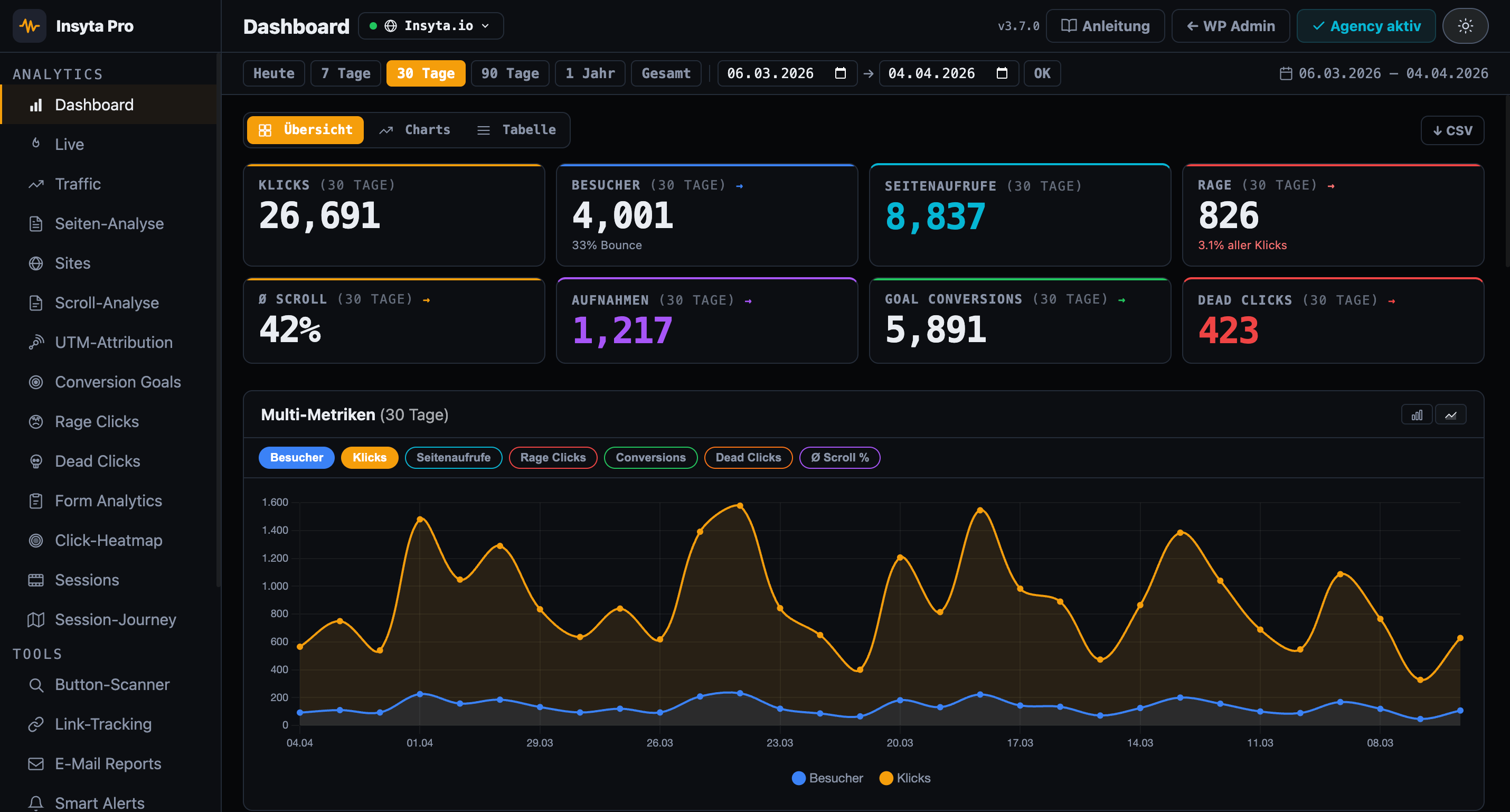
A WordPress heatmap plugin shows you with a color-coded click heatmap where users click on your website. Red areas = many clicks, blue areas = few clicks. This shows you immediately: Are users clicking on important CTAs? Or on elements that aren't even clickable?
Google Analytics lacks heatmaps and session recordings. Hotjar costs 39 €/month. Insyta Pro starts at 6 €/month — 100% local, GDPR-compliant.
| Feature | Insyta Pro | Hotjar | GA4+GTM | MS Clarity |
|---|---|---|---|---|
| Click tracking | ✓ | ✓ | ✓ complex | ✗ |
| Click heatmap | ✓ Canvas overlay | ✓ from 39 €+/mo | ✗ | ✓ US servers |
| Scroll tracking | ✓ + Scroll Map | ✓ | ✗ | ✓ |
| Session recordings | ✓ local | ✓ from 39 €+/mo | ✗ | ✓ US servers |
| Session journey | ✓ local | ✗ | ✗ | ✗ |
| Real-time dashboard | ✓ Live counter + sessions | ✗ | ✓ but complex | ✗ |
| Rage click detection | ✓ | ✓ | ✗ | ✓ |
| Dead click detection | ✓ | ✗ | ✗ | ✗ |
| Form analytics | ✓ | partial | ✗ | ✗ |
| Conversion goals | ✓ | partial | ✓ complex | ✗ |
| A/B test tracker | ✓ | ✗ | ✗ | ✗ |
| UTM attribution | ✓ | ✗ | ✓ | ✗ |
| Traffic analytics | ✓ | ✗ | ✓ | ✗ |
| Page analytics (per URL) | ✓ | ✗ | ✗ | ✗ |
| Dwell time per scroll zone | ✓ | ✗ | ✗ | ✗ |
| Email reports | ✓ | ✗ | ✗ | ✗ |
| Smart alerts | ✓ | ✗ | ✗ | ✗ |
| Link & CTA tracking | ✓ | partial | ✓ complex | ✗ |
| Button scanner | ✓ | ✗ | ✗ | ✗ |
| Multi-site dashboard | ✓ Agency | ✗ | ✗ | ✗ |
| White-Label Addon | ✓ Agency | ✗ | ✗ | ✗ |
| Self-hosted (your server) | ✓ 100% | ✗ | ✗ | ✗ Microsoft cloud |
| GDPR compliant / cookieless | ✓ | ⚠ limited | ⚠ limited | ⚠ Microsoft data sharing |
| No data to third parties | ✓ | ✗ | ✗ | ✗ |
| WordPress-native | ✓ | ✗ | ✗ | ✗ |
| Price | from 6 €/mo | from 39 €/mo | Free + setup work | Free* |
Color-coded heatmap shows click hotspots on every page
Filter by device type — mobile users interact differently
Clicks stored relatively — works at any viewport size
Heatmap for every URL on your site — see where clicks happen
New clicks appear instantly in heatmap — no cache
No IP addresses, no cookies, all data in your WP DB
Custom branding, logo & colors for the plugin dashboard. Available separately for Agency licenses.
See if visitors click on product images that are not links — and adjust your design accordingly.
Immediately recognize which areas of your page get the most attention and place CTAs strategically.
Heatmaps show you visually if users use the interface the way you designed it.
Compare desktop vs. mobile heatmaps — mobile users often click very differently than desktop users.
After a redesign, check if important elements still get the same click attention as before.
Show clients with color-coded heatmap screenshots where their visitors click — more convincing than any table.
Cancel anytime
Cancel anytime · 14-day money back
Click heatmap · Coordinate tracking · Device filter · Live overlay · GDPR-compliant
14-day money-back guarantee · Lifetime updates · Support in English and German