Track form starts, completions, drop-off fields and submit rate automatically — without a single line of code, for all forms on your WordPress site.
14-day money-back · Cancel anytime · GDPR-compliant · Local in WordPress
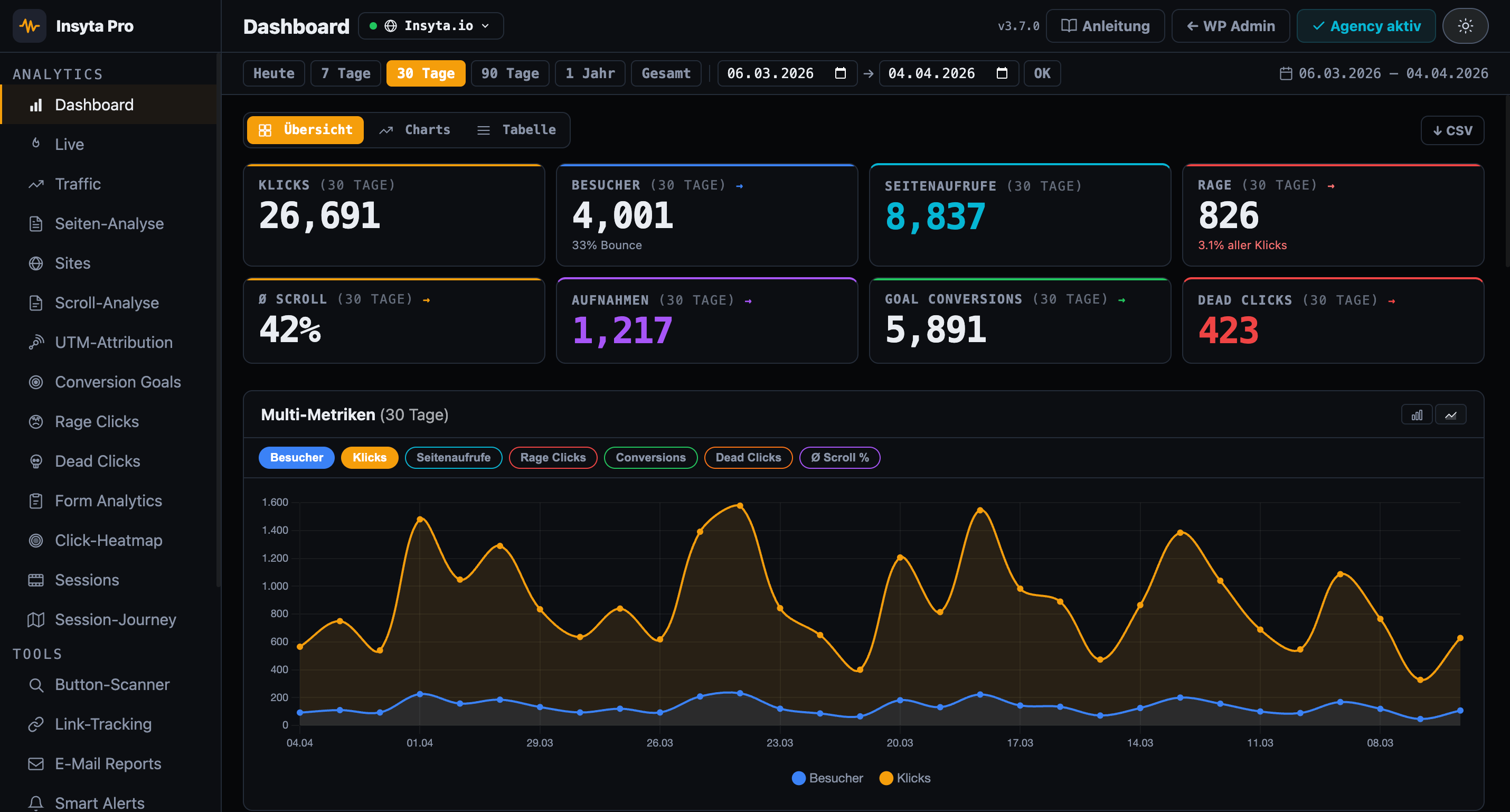
A form analytics plugin automatically tracks all interactions with HTML forms: which fields are filled in, where users drop off, how long they spend per field, and what the submit rate is. No manual tagging, no configuration — works immediately with Contact Form 7, WooCommerce, Gravity Forms and any HTML form.
Google Analytics lacks behavior analytics. Hotjar costs 39 €/month. Insyta Pro starts at 6 €/month — 100% local, GDPR-compliant.
| Feature | Insyta Pro | Hotjar | GA4+GTM | MS Clarity |
|---|---|---|---|---|
| Click tracking | ✓ | ✓ | ✓ complex | ✗ |
| Click heatmap | ✓ Canvas overlay | ✓ from 39 €+/mo | ✗ | ✓ US servers |
| Scroll tracking | ✓ + Scroll Map | ✓ | ✗ | ✓ |
| Session recordings | ✓ local | ✓ from 39 €+/mo | ✗ | ✓ US servers |
| Session journey | ✓ local | ✗ | ✗ | ✗ |
| Real-time dashboard | ✓ Live counter + sessions | ✗ | ✓ but complex | ✗ |
| Rage click detection | ✓ | ✓ | ✗ | ✓ |
| Dead click detection | ✓ | ✗ | ✗ | ✗ |
| Form analytics | ✓ | partial | ✗ | ✗ |
| Conversion goals | ✓ | partial | ✓ complex | ✗ |
| A/B test tracker | ✓ | ✗ | ✗ | ✗ |
| UTM attribution | ✓ | ✗ | ✓ | ✗ |
| Traffic analytics | ✓ | ✗ | ✓ | ✗ |
| Page analytics (per URL) | ✓ | ✗ | ✗ | ✗ |
| Dwell time per scroll zone | ✓ | ✗ | ✗ | ✗ |
| Email reports | ✓ | ✗ | ✗ | ✗ |
| Smart alerts | ✓ | ✗ | ✗ | ✗ |
| Link & CTA tracking | ✓ | partial | ✓ complex | ✗ |
| Button scanner | ✓ | ✗ | ✗ | ✗ |
| Multi-site dashboard | ✓ Agency | ✗ | ✗ | ✗ |
| White-Label Addon | ✓ Agency | ✗ | ✗ | ✗ |
| Self-hosted (your server) | ✓ 100% | ✗ | ✗ | ✗ Microsoft cloud |
| GDPR compliant / cookieless | ✓ | ⚠ limited | ⚠ limited | ⚠ Microsoft data sharing |
| No data to third parties | ✓ | ✗ | ✗ | ✗ |
| WordPress-native | ✓ | ✗ | ✗ | ✗ |
| Price | from 6 €/mo | from 39 €/mo | Free + setup work | Free* |
Starts, completions, abandons and submit rate at a glance per form
See which fields are abandoned most — with average time spent
How long users spend on each form field in milliseconds
Works immediately with Contact Form 7, WooCommerce and any HTML form
Compare submit rates on desktop and mobile separately
No form data stored — only interaction metadata
Custom branding, logo & colors for the plugin dashboard. Available separately for Agency licenses.
Find where customers abandon checkout — which field deters them, which required field is too much.
Optimize contact forms: find the field with the highest drop-off rate and make it optional.
Detect whether a form submit is actually triggered or users cannot find the button.
A/B test form designs: which layout has the higher submit rate? Data instead of gut feeling.
Show clients concrete numbers: submit rate 18% → after optimization 43%. Measurable ROI.
Find why newsletter signups fail — too many fields, wrong placement, poor CTA.
Cancel anytime
Cancel anytime · 14-day money back
Form analytics · Drop-off fields · Submit rate · Time per field · GDPR-compliant
14-day money-back guarantee · Lifetime updates · Support in English and German