Cohort Analysis — Understand Visitor Retention | Insyta Pro
Understand Visitor Retention

Cohort Analysis — Visualize Retention

Group visitors by first-visit period and track their return over weeks and months — with color-coded retention heatmap, segment filters and KPI dashboard. 100% local in WordPress.

14-day money-back · Cancel anytime · GDPR-compliant · Local in WordPress
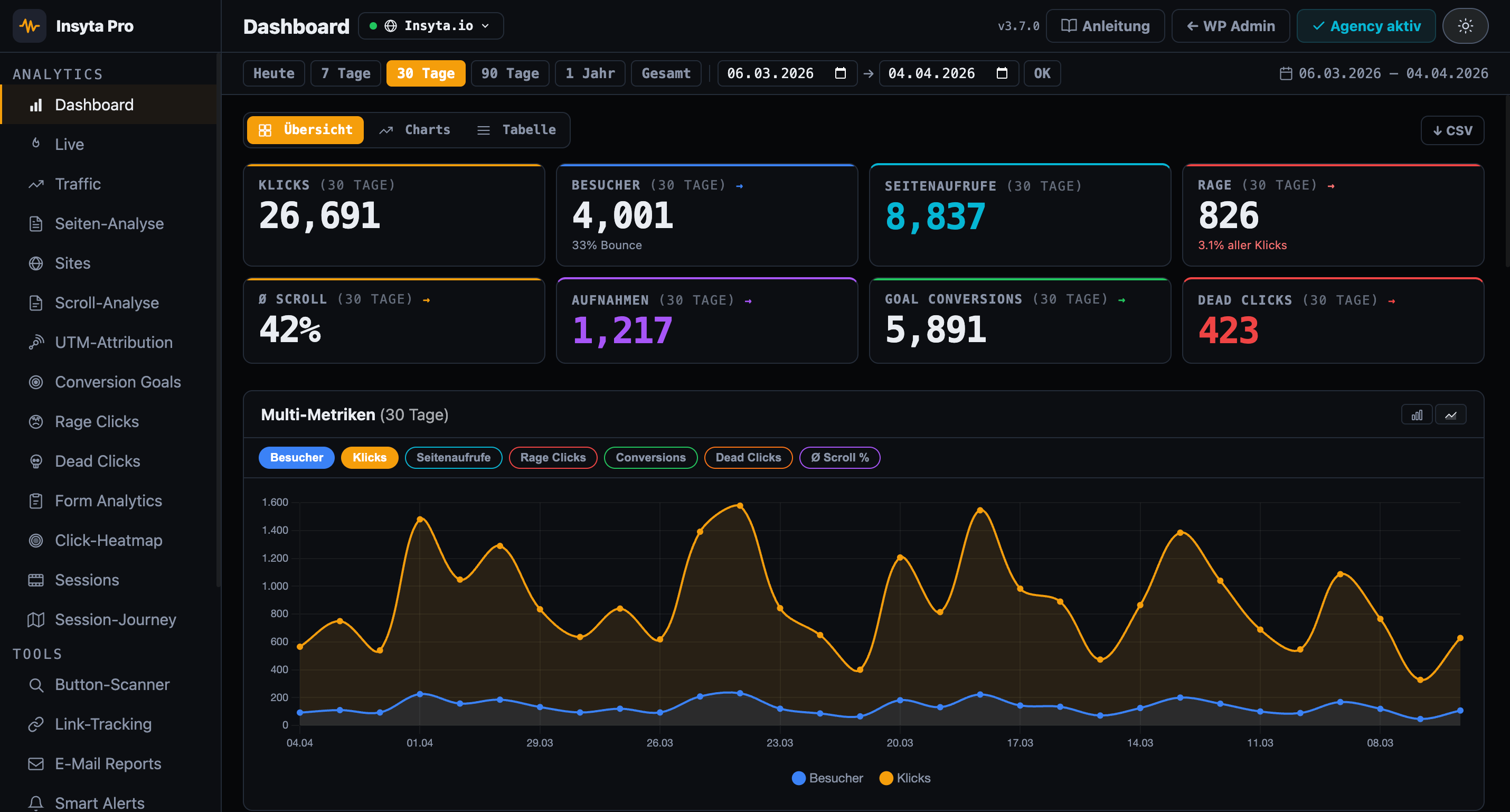
Insyta Pro WordPress Analytics Dashboard
LAUNCH DEAL — LIMITED Agency Lifetime — 49 € 499 € Get the deal →
Weeks + Months
Period Grouping
Retention Heatmap
Visual Matrix
3 Segments
Device · Country · UTM
100% Local
In WordPress

WordPress Analytics Kohortenanalyse

Cohort Analysis groups visitors by the period of their first visit — week or month — and shows you in a color-coded heatmap how many of them return in subsequent periods. At a glance, you can see whether your content and campaigns retain visitors long-term or whether you lose them after the first visit.

Insyta Pro vs. Hotjar / Google Analytics / MS Clarity

Why Insyta Pro Cohort Analysis?

No other tool offers cohort analysis with retention heatmaps directly from WordPress — self-hosted, GDPR-compliant, from 6 €/month.

Feature Insyta Pro Hotjar GA4+GTM MS Clarity
Click tracking ✓ complex
Click heatmap ✓ Canvas overlay ✓ from 39 €+/mo ✓ US servers
Scroll tracking ✓ + Scroll Map
Session recordings ✓ local ✓ from 39 €+/mo ✓ US servers
Session journey ✓ local
Real-time dashboard ✓ Live counter + sessions ✓ but complex
Rage click detection
Dead click detection
Form analytics partial
Conversion goals partial ✓ complex
A/B test tracker
UTM attribution
Traffic analytics
Page analytics (per URL)
Dwell time per scroll zone
Email reports
Smart alerts
Link & CTA tracking partial ✓ complex
Button scanner
Multi-site dashboard ✓ Agency
White-Label Addon ✓ Agency
Self-hosted (your server) ✓ 100% ✗ Microsoft cloud
GDPR compliant / cookieless ⚠ limited ⚠ limited ⚠ Microsoft data sharing
No data to third parties
WordPress-native
Cohort analysis
Funnel builder
Price from 6 €/mo from 39 €/mo Free + setup work Free*
5 Analysis Modules

What Cohort Analysis shows

Retention Heatmap

Color-coded matrix shows how many visitors from each cohort return in subsequent periods — from dark (high retention) to light (low retention).

WM

Period Grouping

Switch flexibly between weekly and monthly view — depending on which period you want to analyze.

Segment Filter

Filter cohorts by device type, country or UTM source — and discover which segments have the best retention.

KPI Dashboard

Returning rate, average visits per visitor, cohort count and more KPIs at a glance.

Cohort Size Chart

Bar chart visualizes the size of each cohort — rendered with Chart.js directly in your WordPress dashboard.

How it works

3 steps to Cohort Analysis

1. Identify Visitors

Each visitor receives a persistent visitor_id via localStorage — cookieless and GDPR-compliant. First visit date is stored.

2. Form Cohorts

Visitors are grouped by the week or month of their first visit — you choose the granularity.

3. Analyze Retention

The heatmap shows for each cohort how many visitors return in subsequent periods — patterns become visible immediately.

Perfect for

Who benefits

Geschäftsführer

See at a glance whether visitors return long-term or are lost after the first visit.

Agenturen

Show clients the long-term value of your campaigns with retention heatmaps — data-driven and visually compelling.

Shop-Betreiber

Understand which acquisition periods bring the most loyal customers — and invest specifically in those channels.

Content-Creator

Find out whether new content or redesigns improve visitor retention — cohort by cohort.

Marketing-Teams

Compare retention by UTM source — which campaign brings the most sustainable visitors?

SaaS / Membership

Measure new user return rate over weeks and months — an early indicator for churn.

Pricing

Subscribe monthly or pay once.

LAUNCH DEAL — LIMITED
Agency Lifetime — 499 € 49 €
All Agency features, unlimited sites, no further costs. Launch period only.
Get Lifetime
Monthly Yearly 3 months free
STARTER
Starter
6
/month
cancel monthly · 1 WordPress site
54
/year
4.5 €/mo · 3 months free
  • 1 WordPress site
  • Click tracking & log
  • Real-time Dashboard
  • Scroll depth analysis
  • Click-Heatmap
  • UTM Attribution
  • Conversion goals
  • CSV Export
  • Email support
  • Dead click detection
  • Form analytics
  • Traffic analytics
  • Page analytics (per URL)
  • Session recordings
  • A/B test tracker
  • Email reports
  • Cohort analysis
  • Funnel Builder
  • White-Label
  • Multi-site dashboard
Buy now

Cancel anytime

AGENCY & FREELANCER
Agency
24
/month
cancel monthly · unlimited sites
216
/year
18 €/mo · 3 months free
  • Unlimited WordPress sites
  • Multi-site central dashboard
  • Per-site detailed analytics
  • Branded email reports
  • Smart Alerts (Email + Slack)
  • Cohort Analysis NEW
  • Funnel Builder NEW
  • Priority Support
  • Session Recordings
  • Session-Journey
  • A/B Test Tracker
  • Dead click detection
  • Form analytics
  • Traffic analytics
  • E-Mail Reports
  • Link & CTA Tracking
  • GA4 / GTM Integration
  • Rage click detection
  • Dwell time per zone
  • + White-Label Addon from 10 €/month
Buy now

Cancel anytime · 14-day money back

FAQ

Questions about Cohort Analysis

What is a cohort analysis?
A cohort analysis groups visitors by the period of their first visit (week or month) and shows in a heatmap how many of them return in subsequent periods. This reveals trends in visitor retention.
How are visitors identified?
Insyta assigns each visitor a persistent visitor_id via localStorage — no cookies, no external services, GDPR-compliant. The first visit date is stored automatically.
Can I filter by segments?
Yes. You can filter cohorts by device type (desktop, mobile, tablet), country or UTM source to specifically analyze which segments show the best retention.
What is the difference between weekly and monthly view?
The weekly view shows granular retention data for short-term analysis, the monthly view is suited for long-term trends. You can switch between both at any time.
Which KPIs does the dashboard show?
The KPI dashboard shows returning rate (share of returning visitors), average visits per visitor, total number of cohorts and cohort sizes as a bar chart — all rendered with Chart.js.

Understand retention, retain visitors

Retention heatmap · Weeks + months · 3 segment filters · KPI dashboard · GDPR-compliant

14-day money-back guarantee · Lifetime updates · Available in 9 languages